
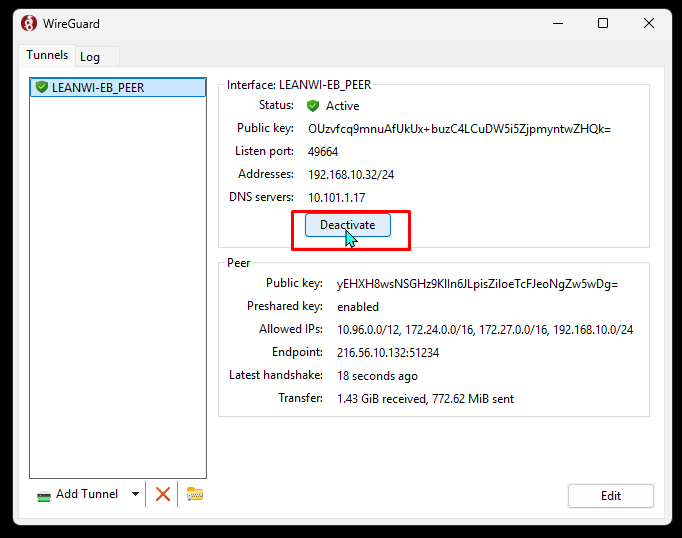
WVLS staff with Wireguard VPN:
Are you away from a library/WVLS network and your VPN doesn’t seem to be connecting? Steps to fix:
- Log into your “Admin” account on Windows (eg: myname.admin)
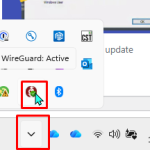
- Click on the System Tray arrow in the taskbar and click on “Wireguard” icon in the System Tray.
- Click “Deactivate” then “Activate”
- Test VPN.